
TL;DR
A strong Instagram portrait prompt preserves recognizable facial features and specifies lighting, clothing, background, and framing. Start with a clear reference photo, choose a style that fits the account, and check the result inside a small circular crop before publishing.
A polished Instagram portrait needs to look like the person behind the account, not just an attractive stranger. A professional instagram profile picture ai prompt works best when identity comes before styling: recognizable features first, then lighting, wardrobe, background, and crop.
For consultants, creators, freelancers, and business owners, the goal is an approachable portrait that stays clear at thumbnail size. Looktara offers a relevant starting point for AI-generated personal imagery. The prompt examples below focus on natural presentation rather than dramatic effects, with practical adjustments for different professional identities.
Table of Contents
What makes a professional Instagram profile picture AI prompt effective?
An effective professional Instagram profile picture AI prompt describes a recognizable person, a suitable professional style, and a composition that remains readable in a circular crop. It prioritizes facial identity, natural skin texture, simple lighting, and a clear background instead of relying on vague instructions such as "make it professional."
AI portrait prompt: A written instruction that guides an image model's subject, appearance, lighting, setting, and composition.
Reference photo: An existing image supplied to guide the portrait, when the chosen tool supports image input.
Identity preservation: Keeping recognizable facial characteristics consistent while changing presentation details such as clothing or background.
The six details worth specifying
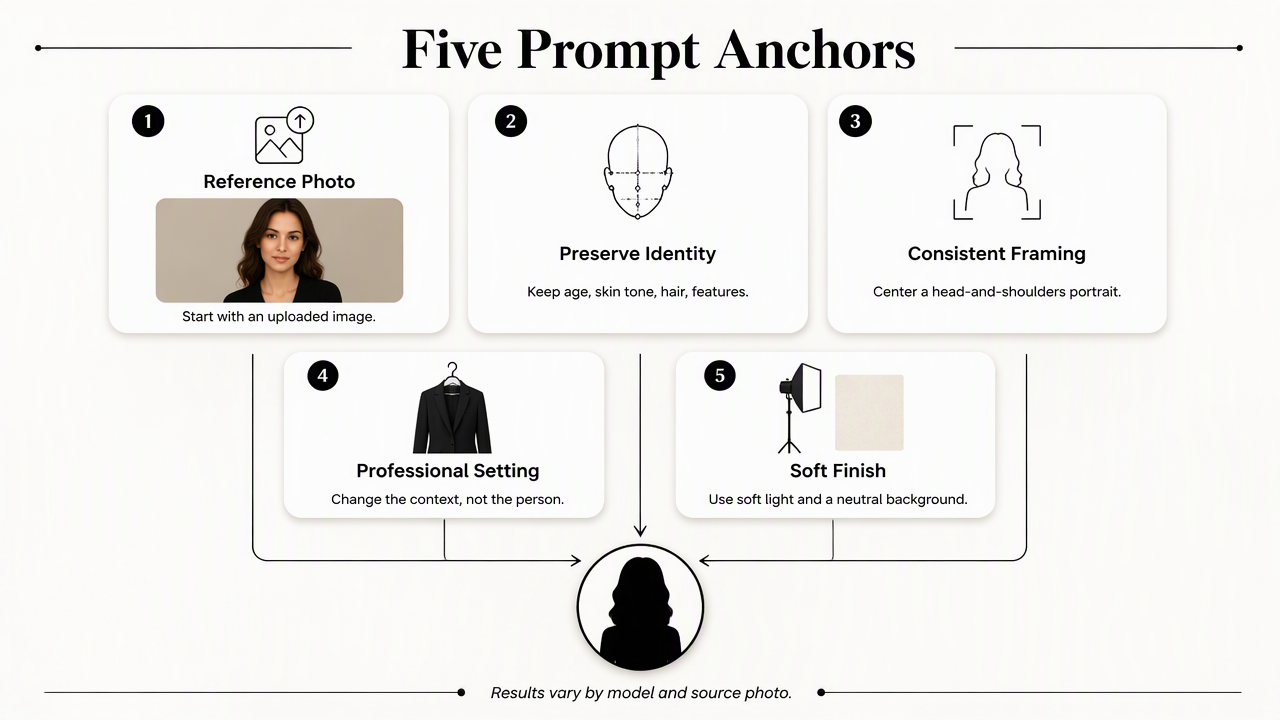
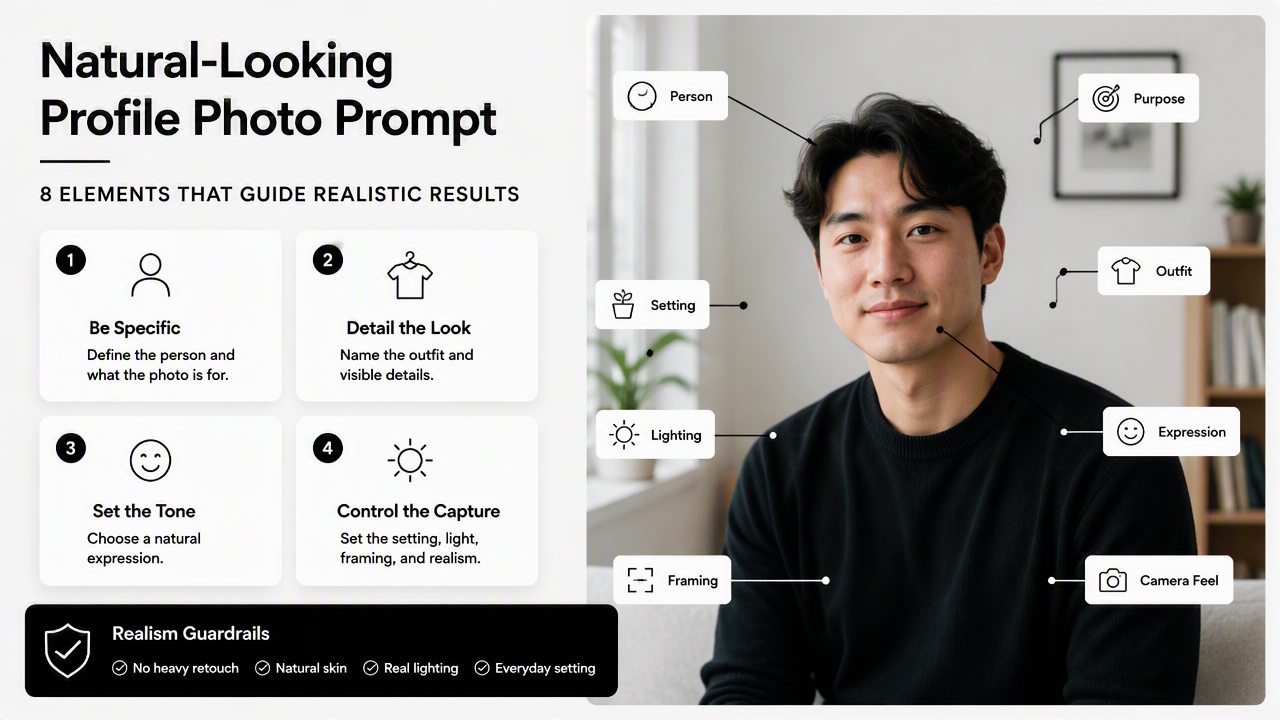
A useful prompt gives each instruction a separate job. The following order keeps the subject more important than the styling:
- Identity: Preserve facial proportions, age, hairstyle, and distinguishing features from the reference.
- Expression: Request a relaxed smile or calm, attentive expression.
- Wardrobe: Name a specific outfit, such as a navy blazer over a plain shirt.
- Lighting: Ask for soft window light or gentle studio illumination.
- Background: Choose a plain color or softly blurred setting.
- Framing: Specify a centered head-and-shoulders portrait with space around the head.
A reference photo should show the face clearly in even light. Heavy filters and hidden facial features give the model less useful information. Identity instructions express a goal, not a guarantee, so the finished portrait still needs human review.
Ready-to-use prompts for different professional styles
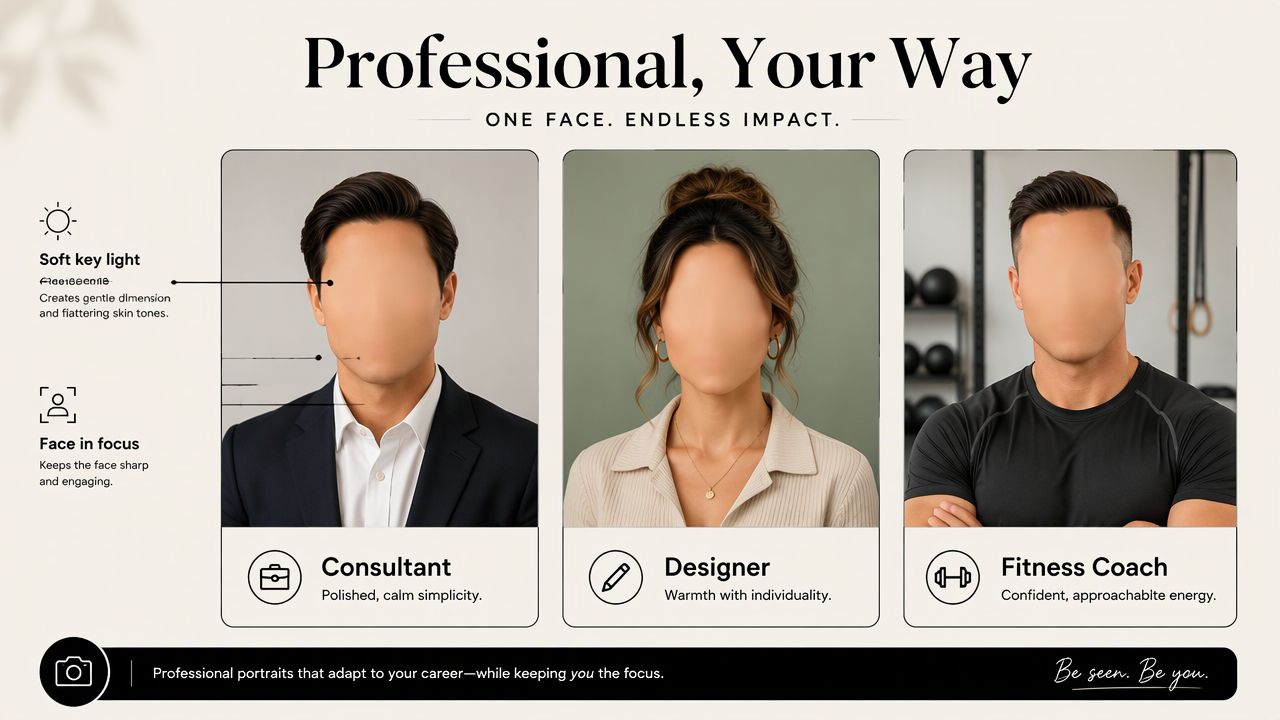
The strongest portrait template matches the account's work and audience while keeping the face visually dominant. Professional doesn't always mean a suit: a fitness coach, designer, and financial consultant can use different wardrobes while sharing the same clear lighting and recognizable appearance.
Compare four Instagram portrait directions
| Profile type | Wardrobe and setting | Prompt emphasis |
|---|---|---|
| Consultant or business owner | Plain shirt, blazer, neutral studio background | Calm expression and polished simplicity |
| Designer or content creator | Smart-casual outfit, muted brand-color background | Warmth and subtle individuality |
| Fitness professional | Plain athletic top, softly blurred studio | Energy and realistic appearance |
| Freelancer or remote worker | Casual professional clothing, soft window light | Accessibility and natural presentation |
These are creative starting points, not rules about credibility. Existing brand photography should guide the final choice.
Copy-ready consultant and founder prompt
Use with a supported reference-photo workflow:
Create a realistic head-and-shoulders portrait of the person in the supplied reference photo. Preserve recognizable facial proportions, age, hairstyle, skin tone, and distinguishing features. Use a relaxed, confident expression, a navy blazer over a plain cream shirt, soft studio lighting, and a warm gray background. Center the face, leave comfortable space above the hair and beside the shoulders, and compose for a circular Instagram profile crop. Keep natural skin texture and restrained retouching.
For a less formal business account, replace the blazer with a plain knit top. Keep the other instructions unchanged so the wardrobe comparison stays useful.
Copy-ready creator and freelancer prompt
Create a natural editorial portrait of the person in the reference image, preserving recognizable facial features and age. Use a friendly expression, a simple smart-casual outfit, soft window light, and a muted sage background. Frame the head and shoulders with the face centered and clearly visible. Keep realistic skin texture, gentle contrast, and enough surrounding space for a circular crop. Prioritize a personal, approachable appearance over a glossy advertising style.
Replace sage with a restrained brand color when appropriate. Strong contrast between the face, clothing, and background matters more than matching every brand color.
Copy-ready fitness professional prompt
Generate a realistic head-and-shoulders portrait of the reference subject in a plain athletic top. Preserve facial identity, age, and natural body proportions. Use a friendly, focused expression, soft daylight, and a lightly blurred fitness-studio background. Keep the face dominant, the shoulders relaxed, and the composition centered for a circular Instagram avatar. Use natural skin detail and simple, even lighting.
Coaches developing this style can explore the fitness Instagram profile picture generator. A profile portrait benefits from a tighter composition than an exercise demonstration or promotional image.
How should an AI portrait be prepared for Instagram?
- Select a clear, current reference photo for the Instagram portrait.
- Choose one template that matches the account's professional role.
- Generate an initial version using the available image controls.
- Refine one detail at a time, such as lighting or wardrobe.
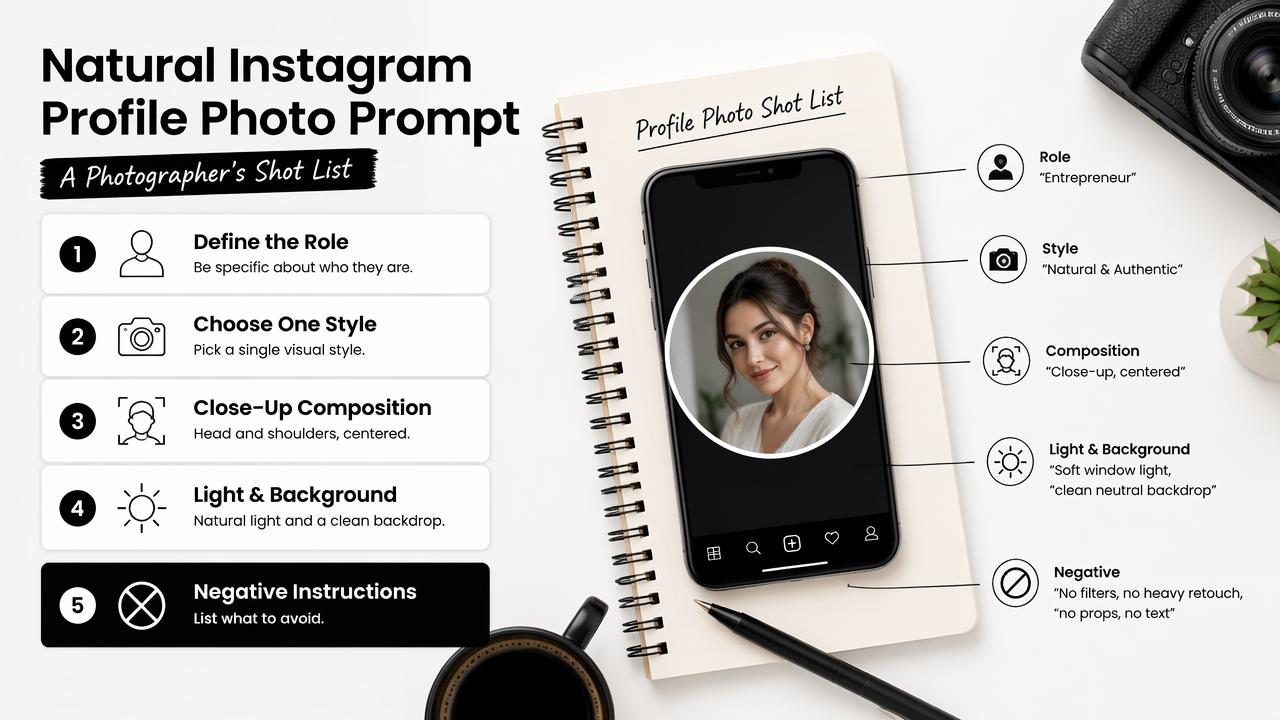
- Preview a square image inside a circular crop and at thumbnail size.
Check identity before judging style
The review should begin with facial proportions, eye shape, hairline, and distinguishing features. Then check the expression, clothing edges, glasses, and background. A polished image that changes the person's apparent age or facial structure isn't a strong professional representation.
Broad wording such as "flawless face" can encourage an overly idealized result. More useful language names the intended treatment: natural skin texture, gentle lighting, and restrained retouching. Where supported, a separate negative-prompt field can request no text, no watermark, and no exaggerated smoothing.
Run the small-circle test
A practical test is to preview the portrait at roughly 40 pixels wide, as a design check rather than an official Instagram specification. The face should remain identifiable, with clear separation from the background. Fine accessories and elaborate settings rarely help at that size.
Research doesn't establish a universally best portrait prompt. Mogavi and colleagues' 2023 study examined early ChatGPT use in education, while Menon and Shilpa's 2023 study examined intentions to use ChatGPT. Neither supplies evidence that a particular headshot style improves Instagram performance.
For a consistent professional identity, carry the chosen expression and color palette into other channels. Fitness professionals can use the LinkedIn profile picture option when planning a more work-focused variation.
How Looktara handles this
Looktara provides a product path for AI-generated personal imagery, including a dedicated fitness Instagram profile-picture page. The prompts in this guide give that workflow a clear creative brief: a recognizable subject, appropriate wardrobe, simple lighting, and a composition designed around the face.
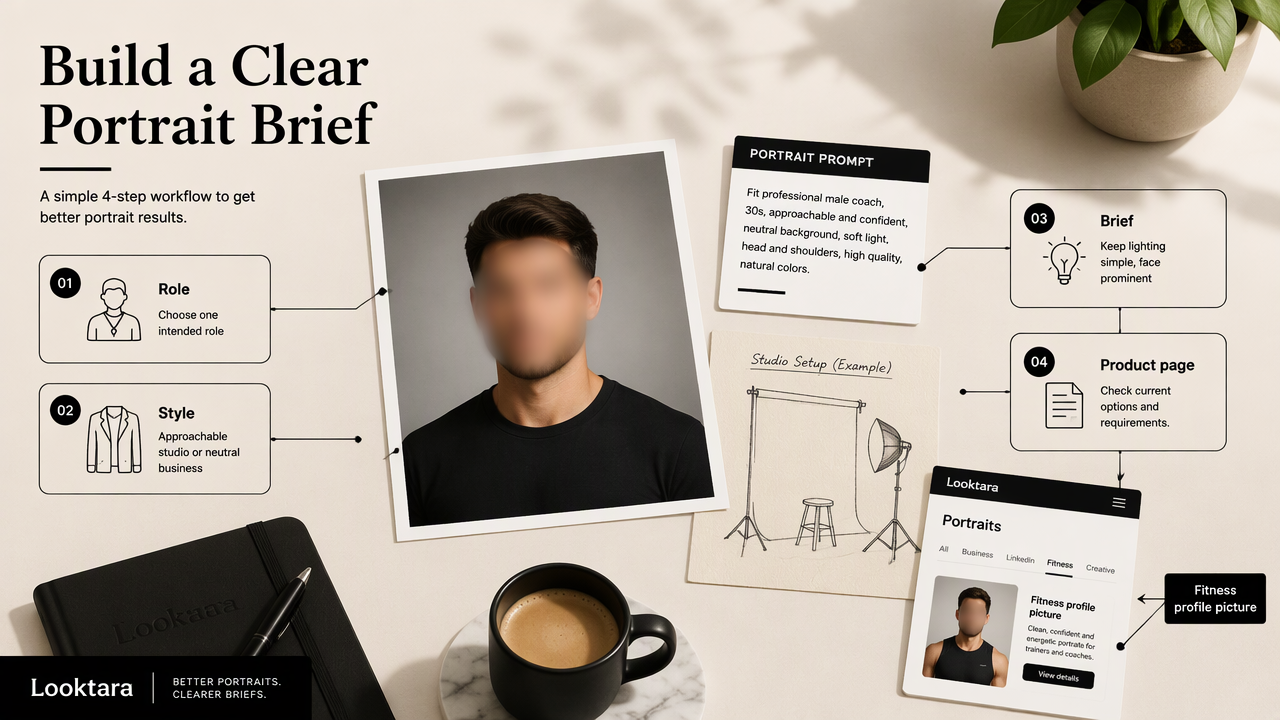
A useful starting point is one intended role and one visual style. A coach might choose approachable studio imagery, while a founder might prefer a neutral business portrait. Current generation options, reference-photo requirements, and output controls should be checked on the relevant product page before starting.
Extend the portrait into a consistent personal brand
A recognizable portrait can anchor several publishing channels without requiring identical backgrounds everywhere. For fitness creators, the newsletter profile picture option is a relevant follow-up for author imagery.
Creative brief: Keep identity and expression consistent; adapt wardrobe, background, and framing to the channel.
For broader personal-image options, the current product information is available at looktara.com.
Frequently asked questions about AI Instagram portraits
AI Instagram portrait decisions come down to reference-photo support, believable styling, crop quality, and the account's purpose.
Can a text prompt alone create an accurate personal portrait?
A text-only prompt can describe a person's general appearance, but it doesn't reliably establish a specific individual's identity. A supported reference-photo workflow gives the tool visual information to work from. Even then, the result should be compared with the original, especially around facial proportions, hairstyle, age, and distinguishing features.
What background works best for a professional Instagram picture?
A plain neutral background or softly blurred setting is a practical starting point because it keeps attention on the face. A muted brand color can also work when it provides clear separation from hair and clothing. The best choice is the one that remains readable inside the final circular crop.
Should an Instagram headshot match a LinkedIn photo?
An Instagram headshot can share identity, expression, and a general color palette with a LinkedIn photo without being identical. LinkedIn may suit a more formal outfit, while Instagram can support a warmer creator-focused style. Consistent recognizable features matter more than using precisely the same image across every account.
Can the same AI portrait be used on dating apps?
A professional portrait may work as one supporting image, but dating profiles benefit from current photographs that show everyday appearance and context. An AI-assisted image should remain recognizable and should not replace the person's actual likeness with an idealized version. The chosen app's current rules should also be checked.
Conclusion
Turn the prompt into a publish-ready portrait
Start with a current reference photo and one professional Instagram profile picture AI prompt from the templates above. Generate a version, review facial identity, and test the circular crop before changing styles. For a focused next step, explore Looktara's personal-image options, select a role-appropriate direction, and prepare a clear brief before generating the final profile picture.
Generated by EarlySEO.com